
Settings
All settings are changed in the app. This page lists what each one does.
Settings has six tabs: AI, Connections, Credentials, Workflow, Import & export and Log. The desktop app adds a seventh, About.
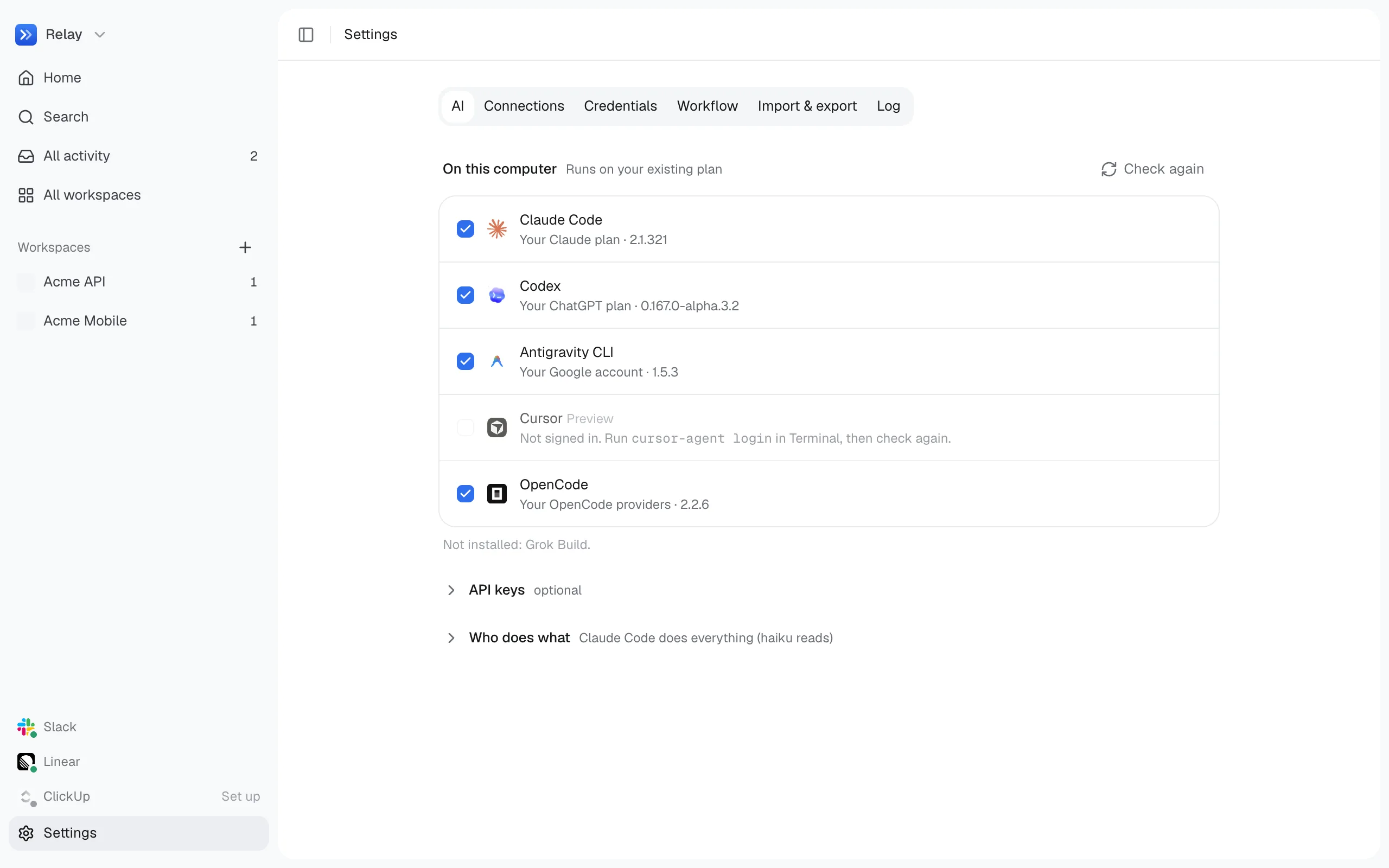
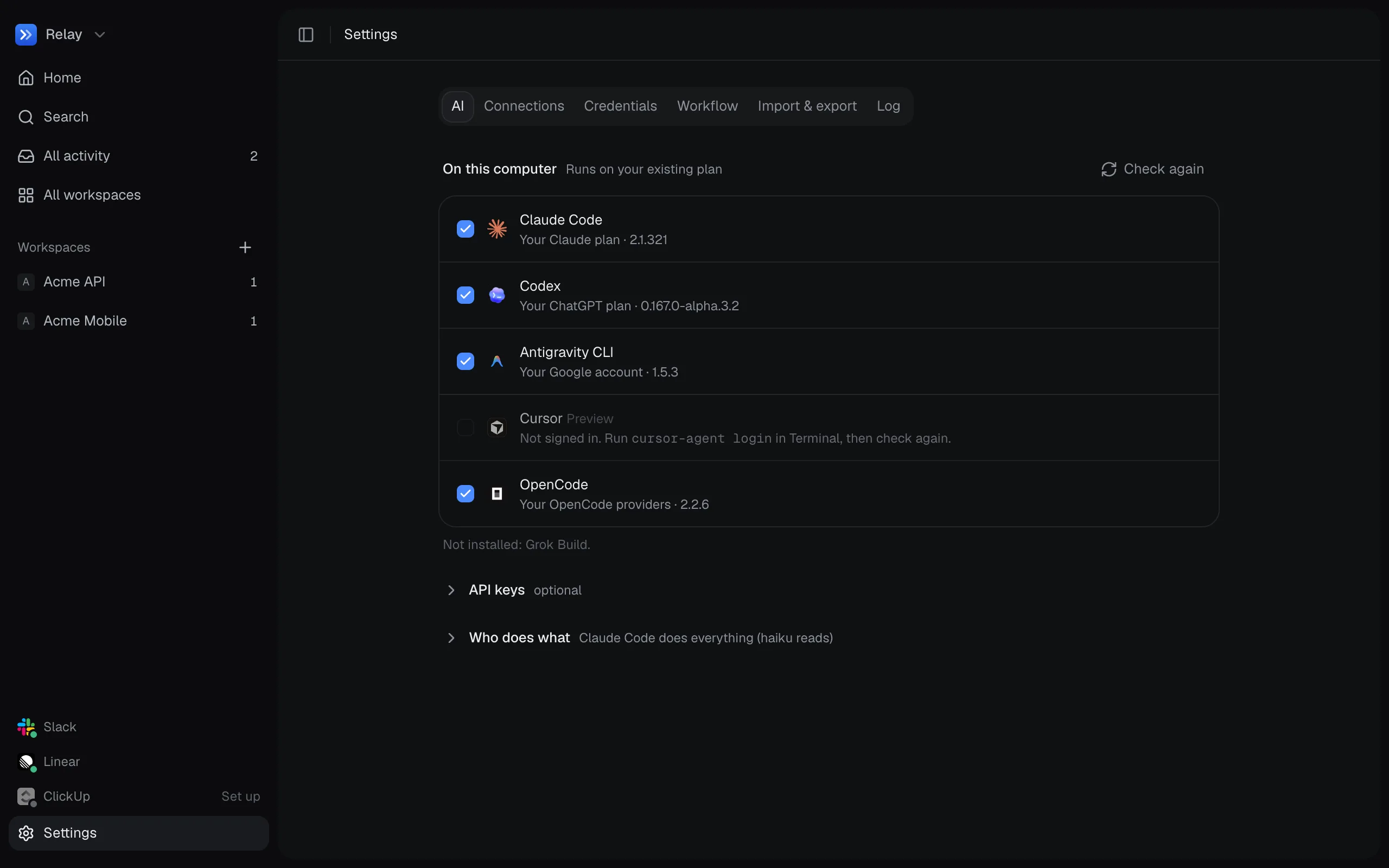
Under Who does what.
| Setting | Default | |
|---|---|---|
| Understand model | none | Classifies incoming events. |
| Answer model | none | Writes replies and plans. |
| Code model | none | Makes approved changes. |
Workflow
Section titled “Workflow”| Setting | Default | |
|---|---|---|
| Ask when unsure | 0.6 | Confidence (0 to 1) below which Relay asks instead of acting. |
| Daily token budget | 0 (no limit) | Pauses work when reached. |
| Desktop notifications | Off | Alert you when something needs you, even when Relay is in the background. |
Replying
Section titled “Replying”At the top of Connections.
| Setting | Default | |
|---|---|---|
| Reply and react | Off | Whether anything is sent to Slack, Linear or ClickUp. The web chat always gets answers. |
Under Connections.
| Setting | Default | |
|---|---|---|
| Connection | Your connection if Claude Code is signed in, else Relay’s own bot | Relay’s own bot (a Slack app, live) or your connection in Claude Code (checked on demand or on a schedule). |
| Check | On demand | With your connection: on demand, or every 5–60 minutes. |
| Wake word | relay |
2–30 letters, digits, _ or -. |
| Who can approve in Slack | Nobody | Slack member IDs (U…) who can approve from Slack. Up to 50. Shown with Relay’s own bot. |
Linear and ClickUp
Section titled “Linear and ClickUp”Under Connections.
| Setting | Default | |
|---|---|---|
| Connection | Off | Off, your connection in Claude Code, or Relay’s own account. Ticking it in setup picks your connection when Claude Code is signed in. |
| Check | On demand | With your connection: on demand, or every 5–60 minutes. |
| Hand-off label | agent |
Adding it hands a ticket to Relay. |
| Hand-off statuses | Ready for agent |
Moving a ticket here hands it to Relay. |
| Started status | In Progress |
Where a handed-off ticket moves when Relay starts. Empty leaves it alone. |
| Done status | In Review |
Where it moves when Relay finishes. Empty leaves it alone. |
Through your own connections
Section titled “Through your own connections”| Setting | Default | |
|---|---|---|
| @mentions | On | Pick up messages that @mention you. |
| Direct messages | On | Pick up DMs and group DMs. |
| Threads | On | Pick up replies in threads you’re in. |
| Assigned tickets | On | Pick up tickets assigned to you. |
| Reply without asking | Off | Post replies to these without waiting for your OK. |
In the desktop app only.
| Version | The version you’re running. |
| Updates | When Relay last checked, and Check for updates to check now. Once an update has downloaded, Restart to update installs it. |