
Approvals
Relay answers questions on its own, because answering is read-only. Anything that changes something waits for you, with a few deliberate exceptions.
| What | Waits for approval? |
|---|---|
| Answering a question | No. Read-only. |
| A code change | Yes. You approve the plan before any file is touched. |
| Pushing and opening a pull request | Yes. A separate approval after the change is committed. |
| Creating, commenting on, assigning, labelling or moving a ticket | No, unless the request came to you through your own connection (a DM, @mention, thread reply or ticket of yours). Then yes, because the change would be made in your name. |
| Deleting or archiving anything | Yes. |
| Running a saved action | From the Actions page, no. From chat, only if the action has Ask before running from Slack or chat on. From Slack, Linear or ClickUp, yes, unless a listed Slack approver asked (and the action doesn’t ask first). |
| Replying to something that came to you through your own connection | Yes, unless Reply without asking is on. |
Running actions from a repo’s arkinsta.yaml |
Only after you’ve reviewed them, and again after any change to the file. |
Where to approve
Section titled “Where to approve”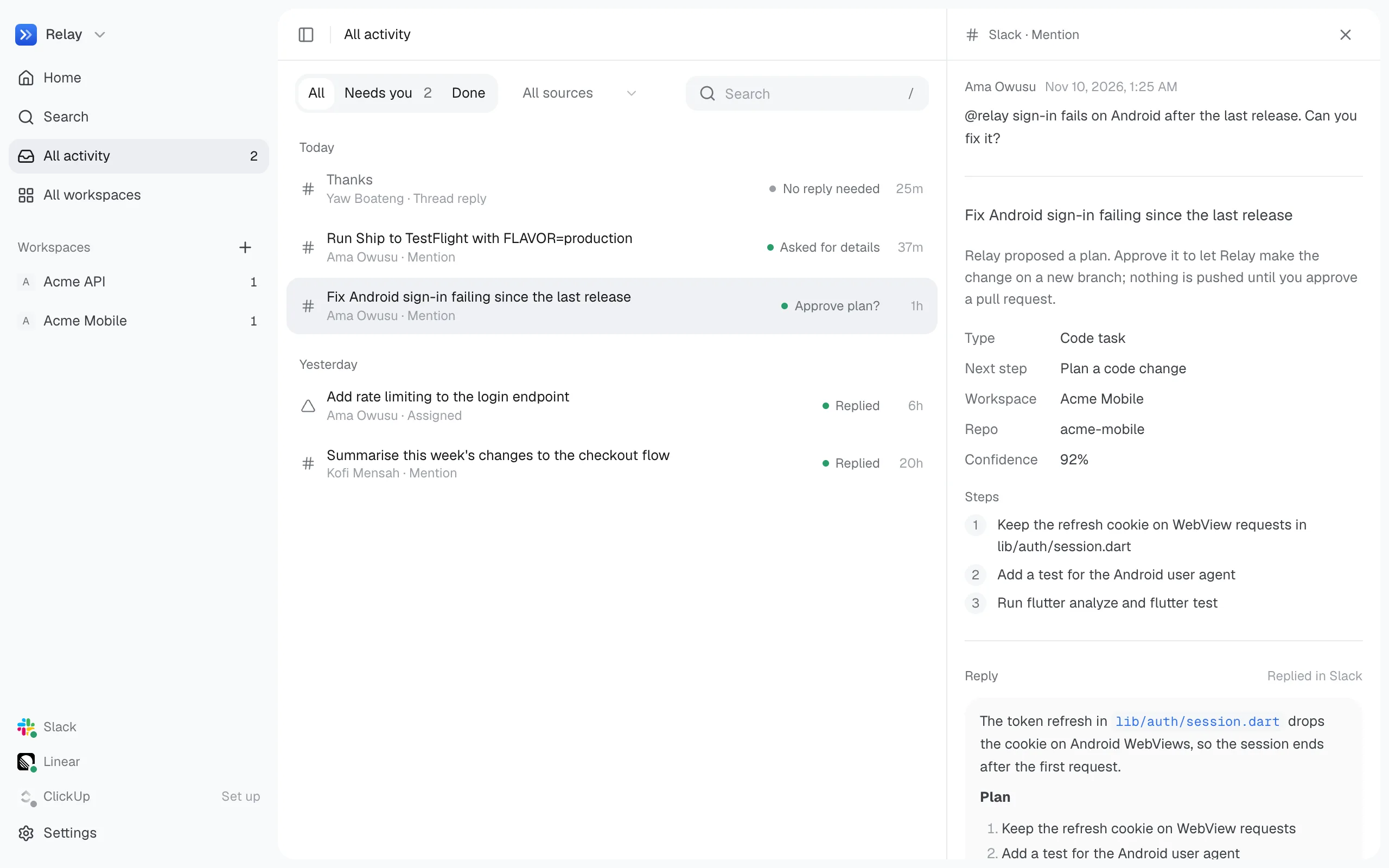
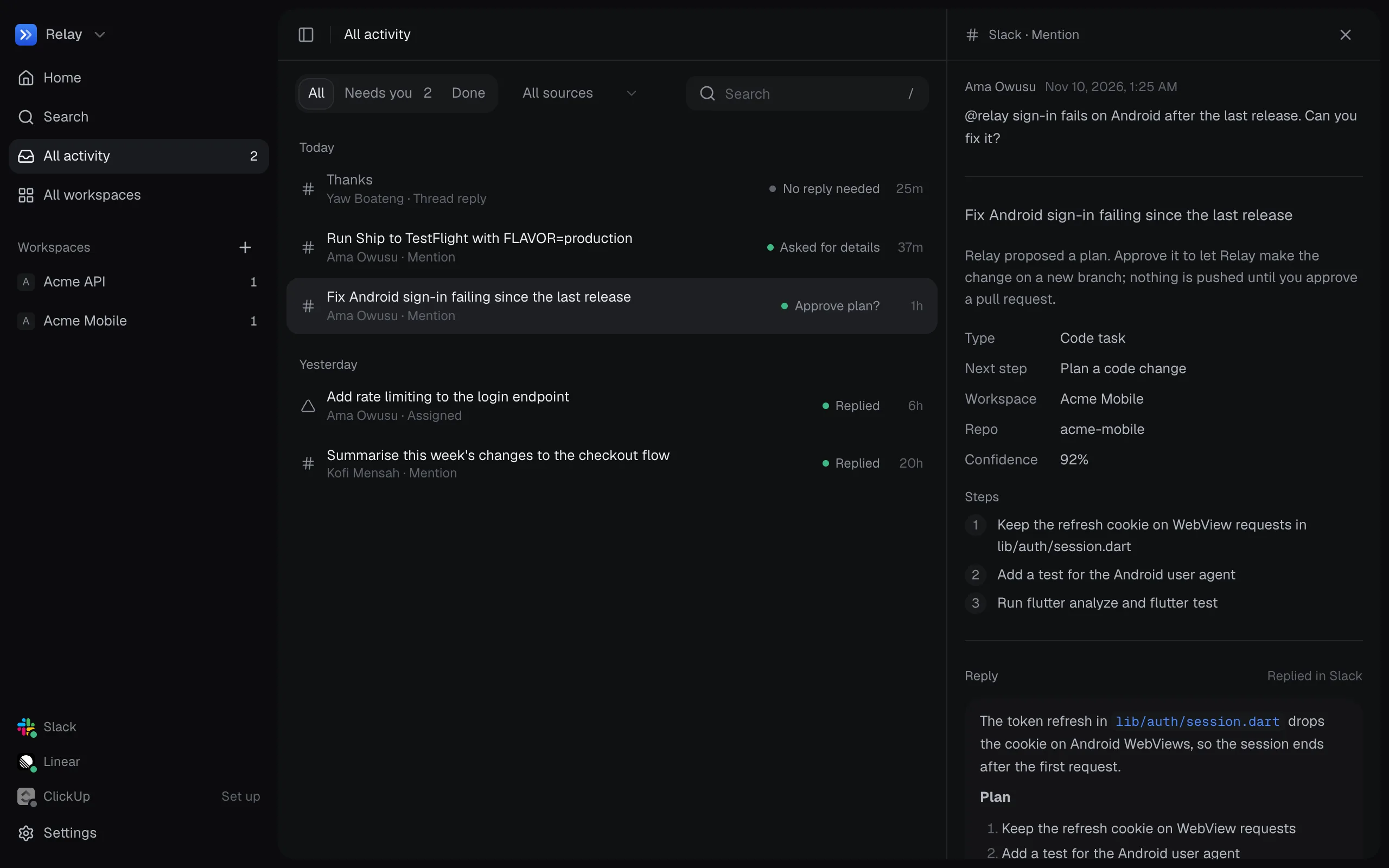
- In the app: All activity, an event’s detail, or the workspace chat.
- In Slack: the bot’s Approve and Reject buttons, which only the people you list under Settings → Connections → Who can approve in Slack can press.
Replying is off at first
Section titled “Replying is off at first”Separately from approvals, Relay doesn’t send anything to Slack, Linear or ClickUp until you turn on Reply and react in Settings. While it’s off, you can read every draft in the app.