Workspaces
A workspace ties together:
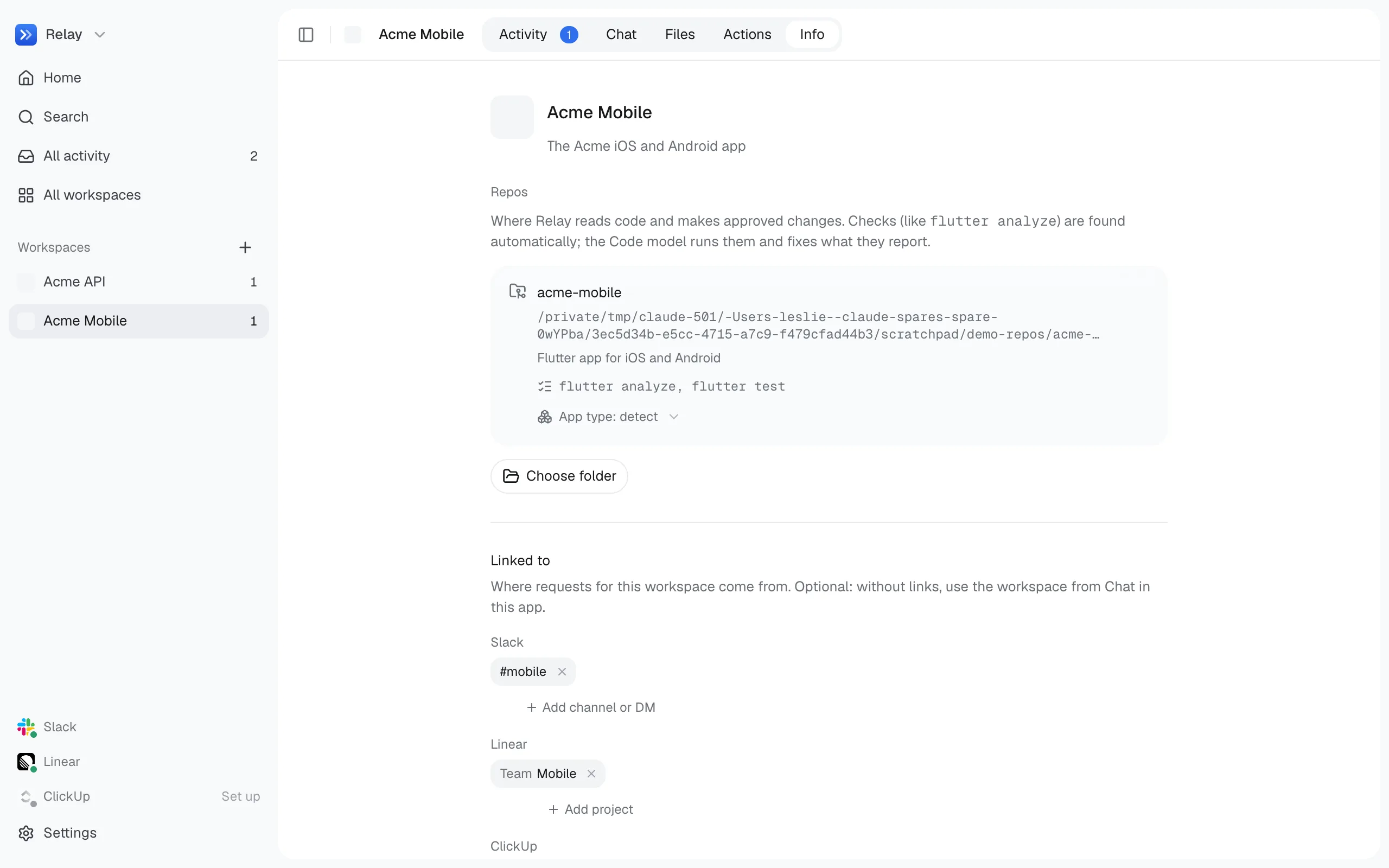
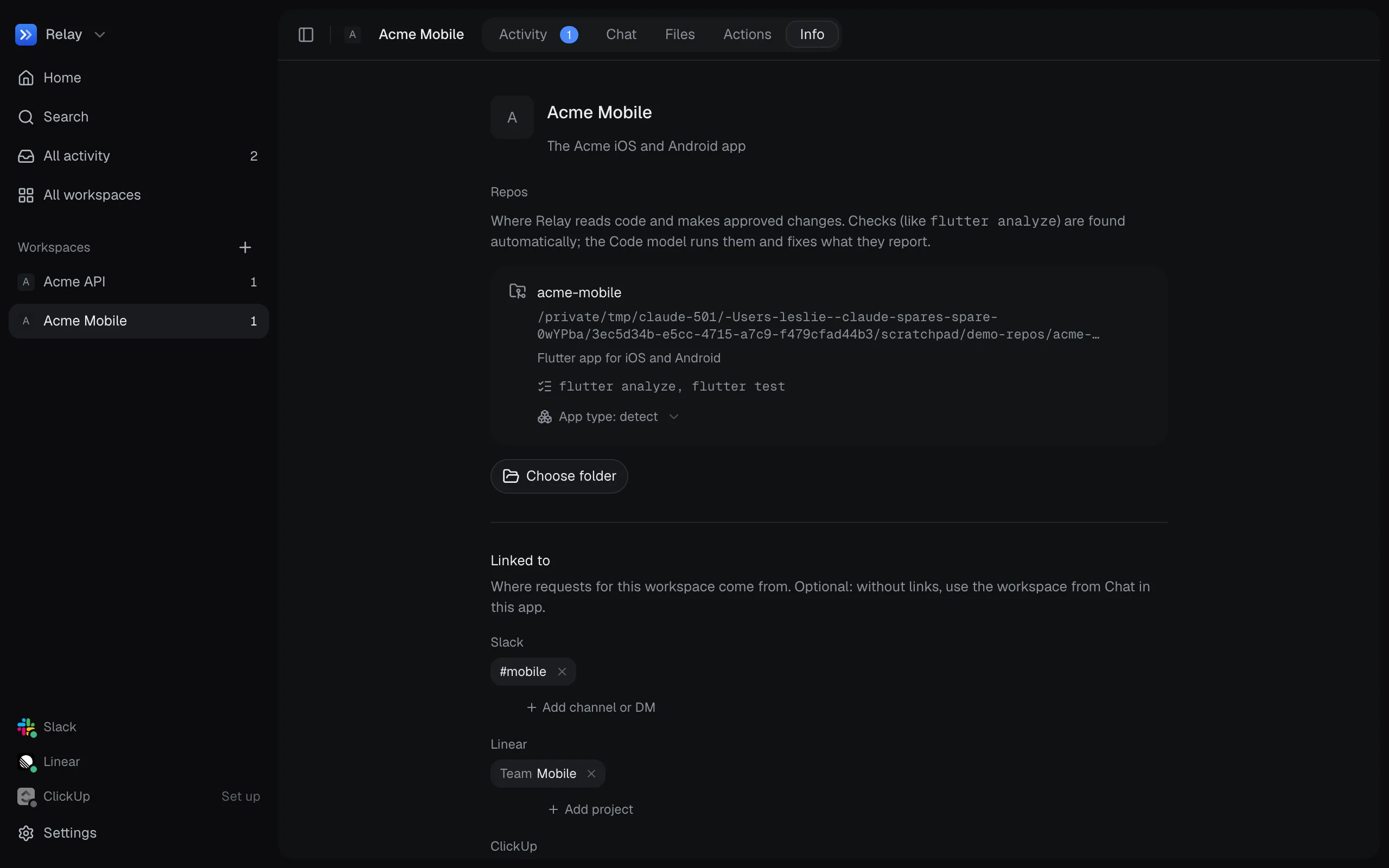
- Repos: one or more folders on your computer, each with a name and a short description.
- Places: Slack channels, Linear teams or projects, and ClickUp workspaces or lists where the workspace is discussed.
- Actions: saved build, check and upload steps. See Saved actions.
- Checks: commands that verify a change, such as a type check or linter. They’re detected from the repo’s files and can be edited per repo.
How messages find their workspace
Section titled “How messages find their workspace”When a message arrives in a place linked to exactly one workspace, Relay picks that workspace without a model call. A narrow link (a channel, a DM, a Linear project, a ClickUp list) beats a broad one (a Linear team, a ClickUp workspace), because one Linear team or ClickUp workspace often covers several Relay workspaces.
Otherwise, the Understand model chooses from your workspaces using the message and the repos’ names and descriptions. Good descriptions make this more accurate.
Several repos
Section titled “Several repos”A workspace can hold an app and its backend, or a whole set of services. A request can concern one repo, several, or all of them, and a code change can span several repos at once. When it’s unclear which repo a change belongs in, Relay asks.
Each workspace has a Files view for browsing and searching its repos from the app.
The Info tab is where you rename a workspace, change its repos and checks, and link the places it’s discussed.