
Saved actions
An action is a named list of steps saved on a workspace: a build, a test run, a deploy script, or an upload to App Store Connect or Google Play. Run it from the Actions page, ask for it in chat or Slack (“ship the Android app to internal”), or put it on a schedule.
Creating an action
Section titled “Creating an action”Open a workspace’s Actions tab. Relay suggests ready-made actions from what’s in your repos: per app type (Flutter, iOS, Android, web), plus the repo’s own scripts and CI steps. Suggestions are only shown; adding one opens the editor filled in, so nothing runs that you haven’t seen.
Or write one from scratch, or keep them in the repo as code: see arkinsta.yaml.
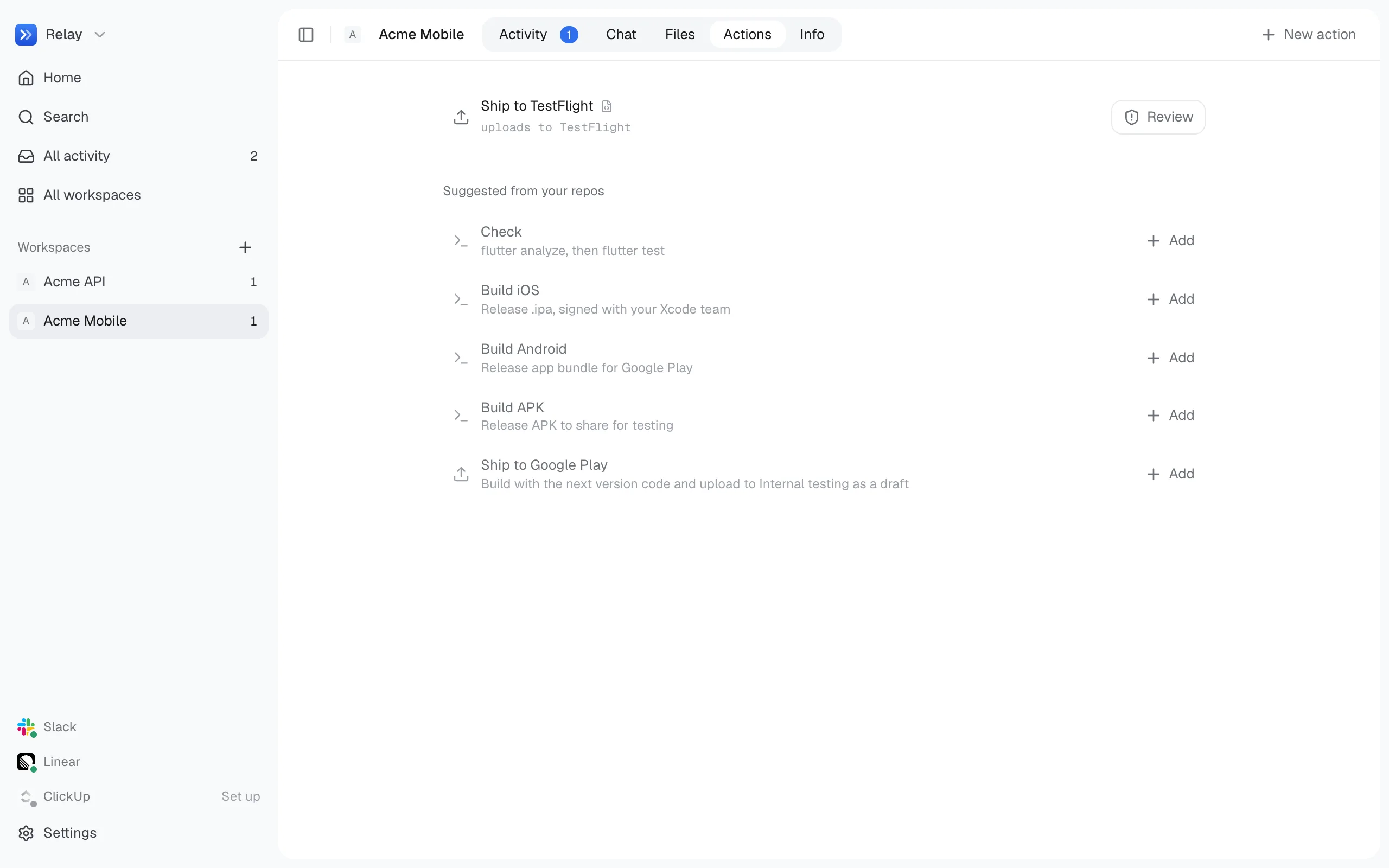
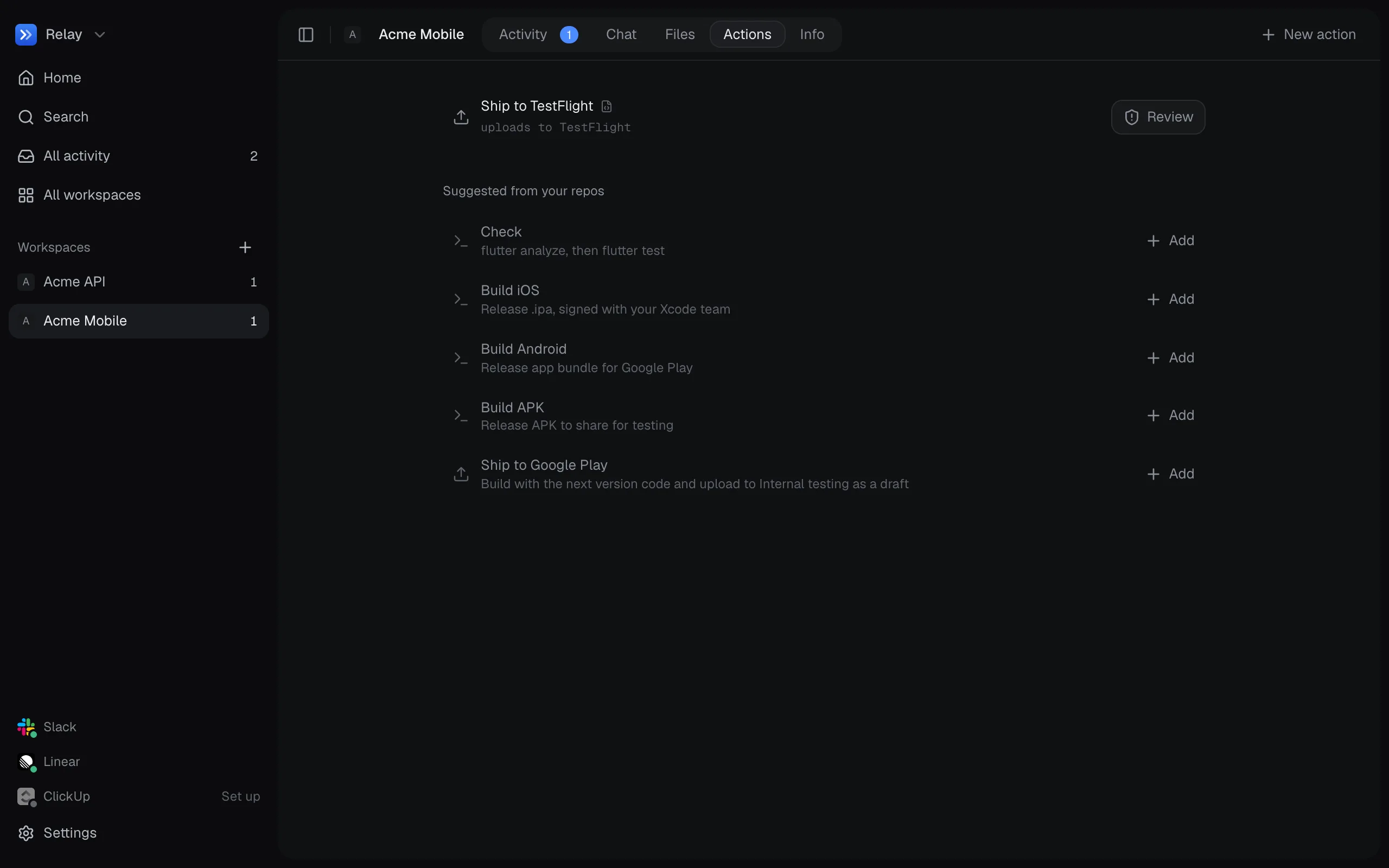
| Step | What it does |
|---|---|
| Command | Runs a shell command in a folder inside the repo. Times out after 30 minutes unless you set another limit. |
| App Store | Uploads the newest file matching a pattern (for example build/ios/ipa/*.ipa) to App Store Connect. |
| Google Play | Uploads the newest matching .aab to a Play track, as a draft or released, with an optional staged rollout. |
Upload steps use a credential by name, or the store’s default.
If an upload step follows a build step, it insists on a file built during this run. Without a build step, it uses the newest existing file and says when it was built.
Options
Section titled “Options”Options let one action cover several cases: a flavor, a track, release notes. Each is either a list of choices or free text.
Option values reach commands as environment variables, never spliced into the command text. A value typed in Slack can’t change what runs.
flutter build appbundle --flavor $FLAVOREnvironment
Section titled “Environment”Every command step gets:
| Variable | |
|---|---|
Each option, e.g. FLAVOR |
The chosen value. |
<OPTION>_TITLE, e.g. FLAVOR_TITLE |
The value capitalised (production → Production), for Gradle task names. |
BUILD_NUMBER |
Set only when a step mentions it: the next build number from the store, or a time-based one if the store can’t be reached. |
FLUTTER_TARGET |
In Flutter folders: lib/main_<flavor>.dart when it exists, else lib/main.dart. |
ARKINSTA_EXPORT_OPTIONS |
Path to an ExportOptions.plist for App Store builds. |
ARKINSTA_RUN |
The run’s id. |
CI |
1. |
Running
Section titled “Running”- Run on the Actions page asks for any options, then queues the run.
- From chat or Slack, the Understand model picks the action and option values from your message, using only the listed choices. If you leave an option out, the default is used.
- On a schedule, the action runs once in each slot. See Schedules.
Turn on Ask before running from Slack or chat (ask_first in arkinsta.yaml) for actions that should always wait for approval. Requests from Slack, Linear or ClickUp wait anyway, unless a listed Slack approver made them.
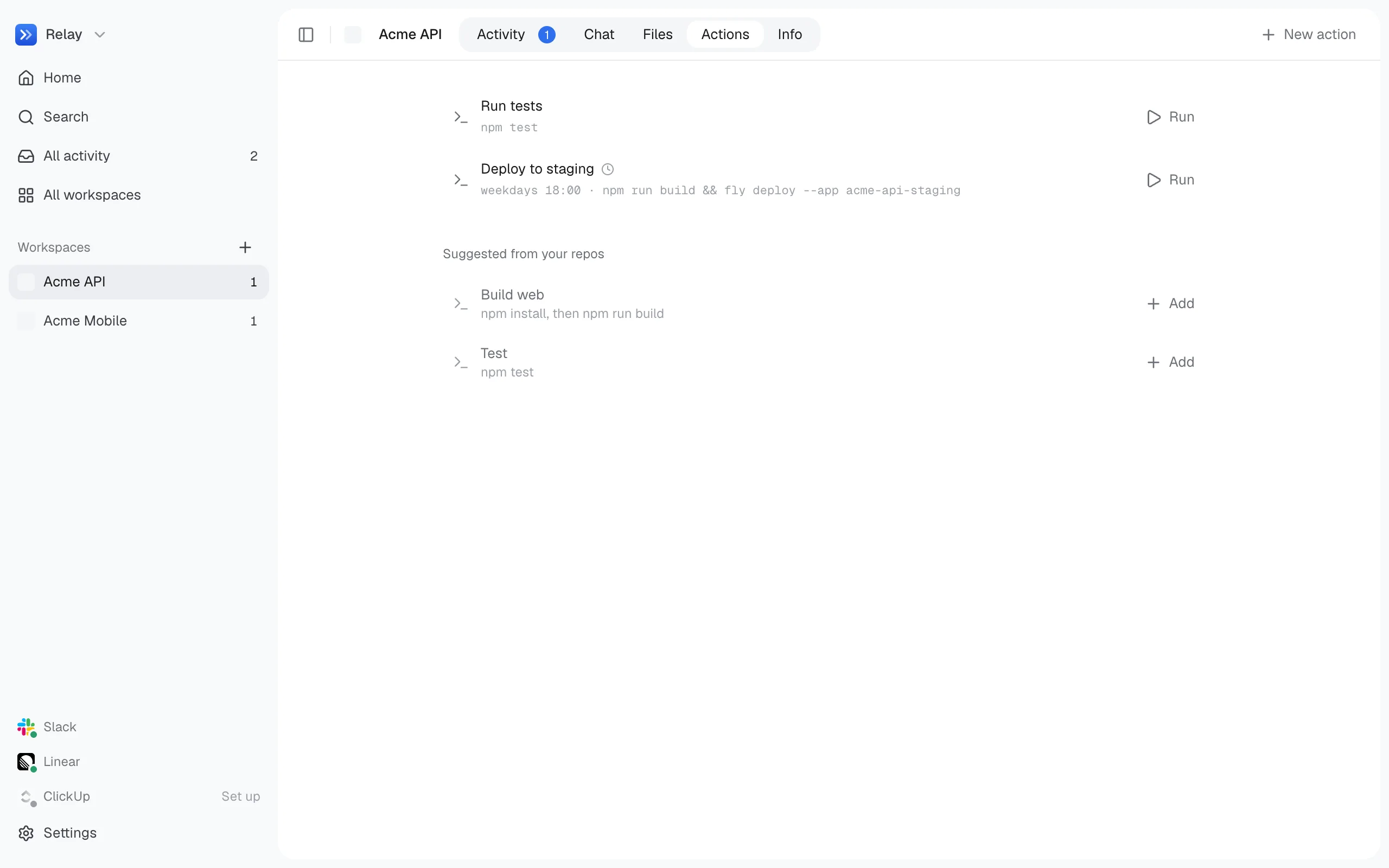
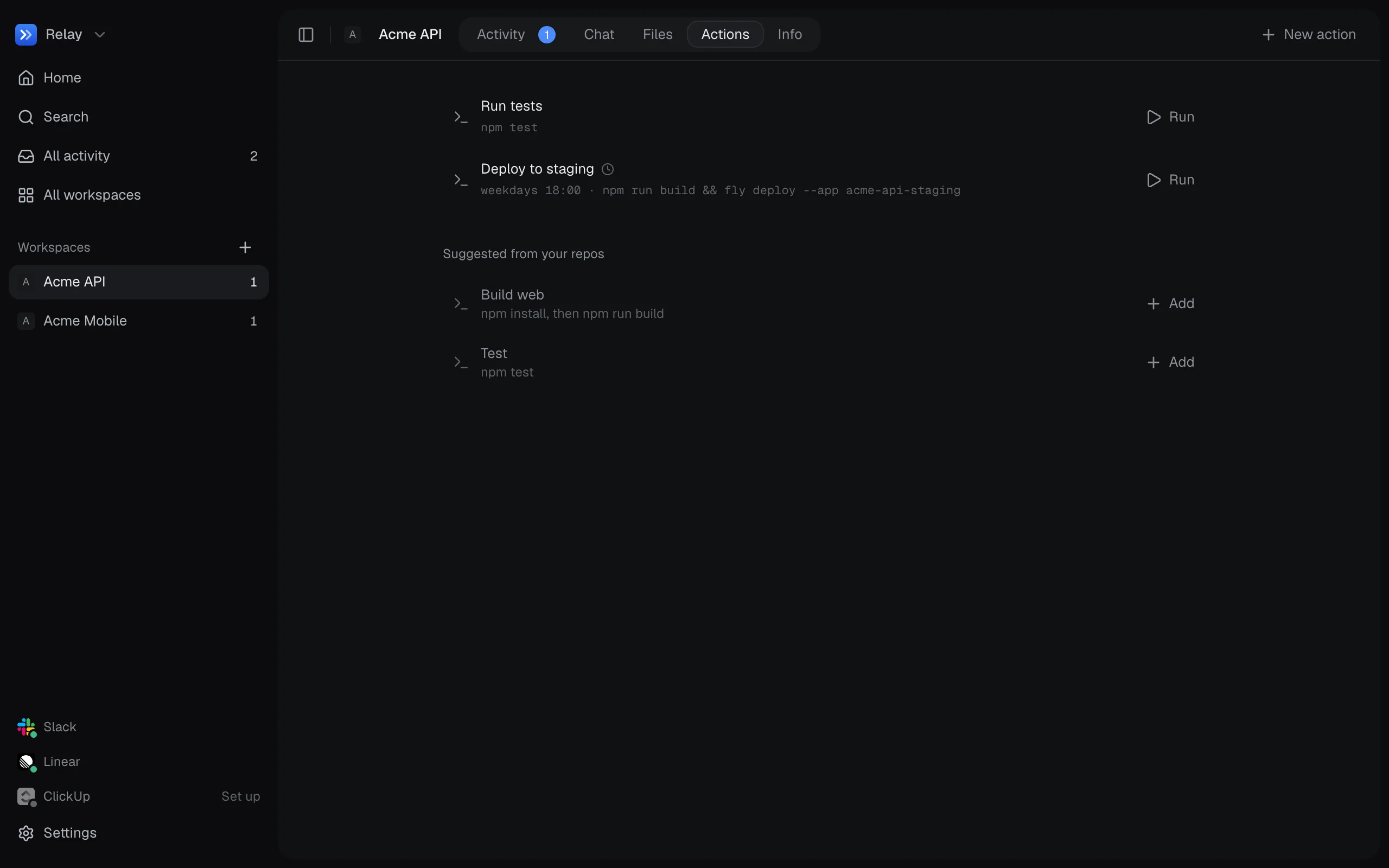
Each run shows its steps, a live log, and the files it built. You can stop a run at any time; when Relay quits, it stops running builds and everything they started.
Runs take their repos’ slot in the same queue as code changes, so an action never builds a repo while Relay is editing it.