
What Relay does
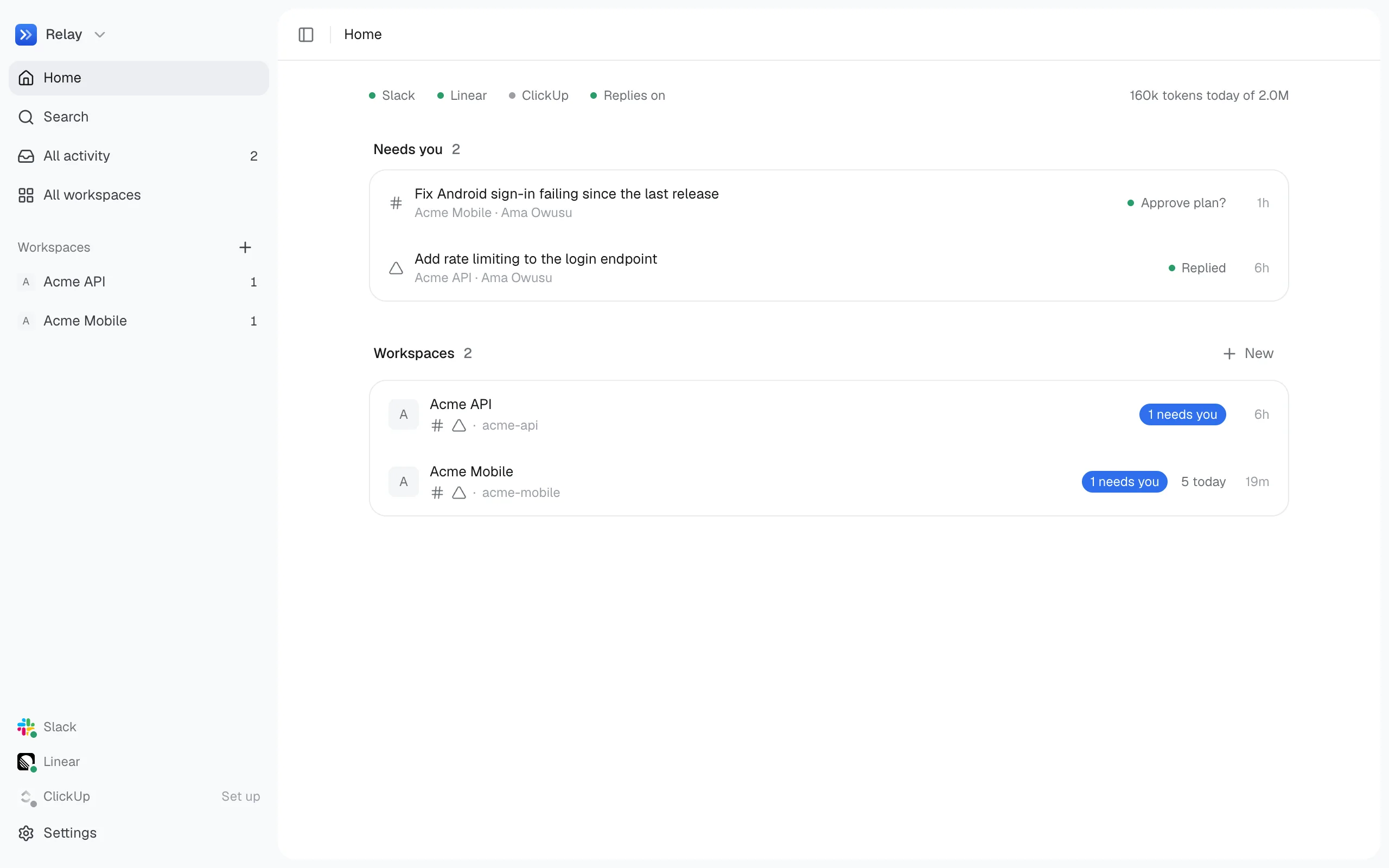
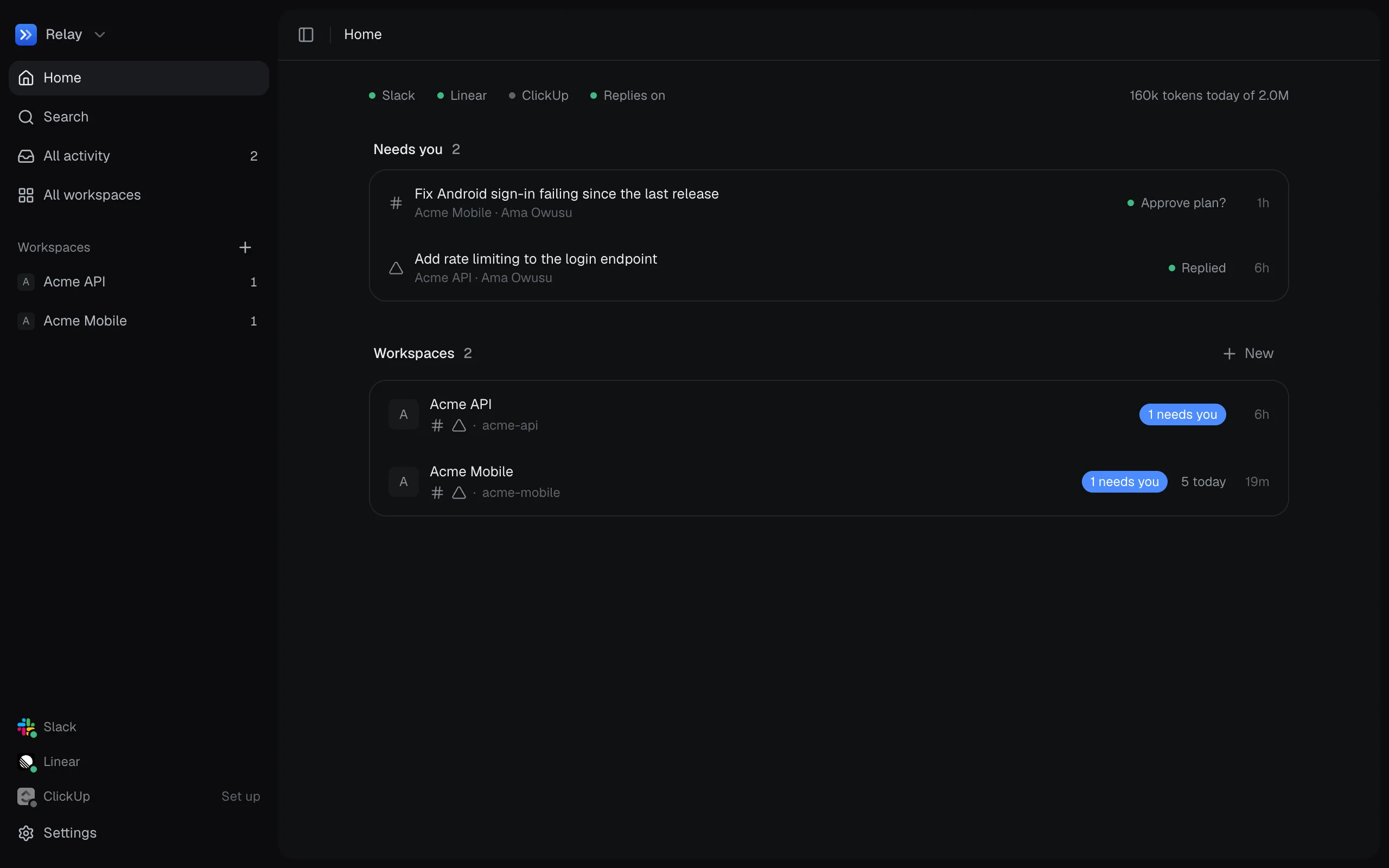
Relay sits between the places work is requested and the repos where it gets done.
Someone asks a question in Slack, assigns you a Linear ticket, or mentions you in a ClickUp comment. Relay picks it up, works out what’s being asked, and does one of these:
- Answers it. It reads the relevant repo (read-only) and replies in the thread or on the ticket.
- Asks a question back. When a request is ambiguous, it asks one short question instead of guessing.
- Plans a code change. It drafts a plan and waits for your approval. Once approved, it makes the change on its own branch and commits it. It pushes and opens a pull request only when you approve that too.
- Changes tickets. Creating, commenting on, assigning, labelling and moving tickets happen directly. Deleting anything waits for approval.
- Runs a saved action. A build, a check, or an upload to App Store Connect or Google Play.
- Ignores it. Thanks, greetings and conversation between other people don’t need a reply.
What makes it different
Section titled “What makes it different”It starts with what you have. If Claude Code or Codex is signed in on your computer, Relay uses it as its model, on your plan. If you’ve connected Slack, Linear or ClickUp to Claude Code, Relay uses those connections too. You don’t need any API keys to start.
It runs on your machine. Relay listens on 127.0.0.1 only. Your code, keys and history stay in a data folder on your computer.
You decide what it may do. The model classifies requests, but a small deterministic router decides what happens next. The model never chooses its own permissions. See Intents and routing.
How you run it
Section titled “How you run it”Relay is a menu bar app for macOS and Linux. It starts at login, keeps listening when you close the window, and updates itself.
Slack, Linear and ClickUp are all optional. Without them, you use Relay from its own chat, one conversation per workspace.